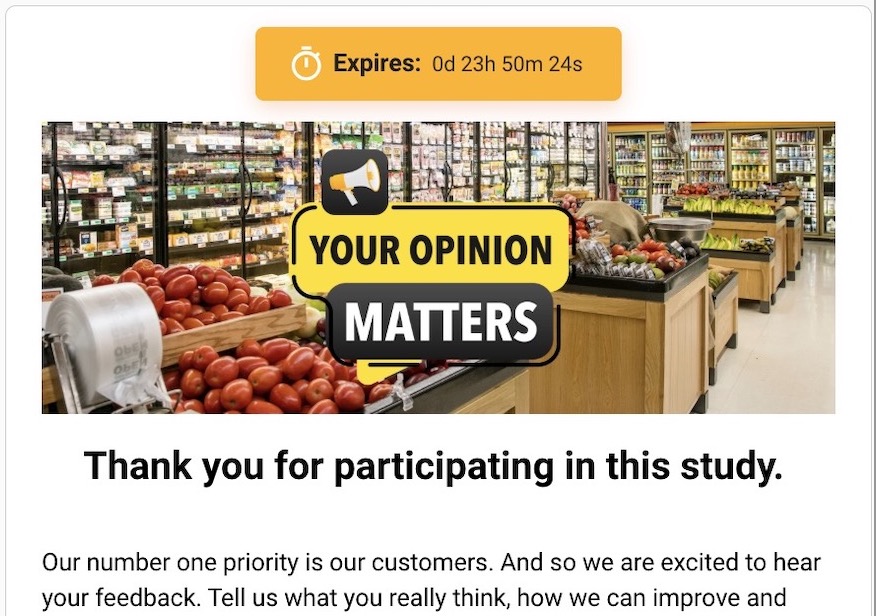
This is a feature several of our customers have been asking for: a way to set a deadline for a video campaign and automatically close submissions when that deadline arrives.
Today, we’re excited to introduce Closing Dates in VideoPeel.
With Closing Dates, you can now set an end date for any campaign. VideoPeel will automatically display a count down showing participants how much time they have left—and when the Closing Date arrives, the campaign automatically stops accepting new submissions.
When you add a Closing Date to a campaign, VideoPeel automatically manages the deadline for you.
Before the deadline, participants will see a count down directly on the campaign form, making it clear how many days they have left to submit their video.
For example:
“7 days left to submit your video.”
As the Closing Date approaches, the count down updates automatically, creating a natural sense of urgency.
Then, when the Closing Date arrives, VideoPeel automatically disables new submissions. Anyone who visits the campaign after the deadline will no longer be able to submit an entry.
There's no need to remember to log in and manually close your campaign.
Set the Closing Date → Display the count down → Create urgency → Automatically stop submissions
One of the biggest challenges with collecting videos is simple: people procrastinate.
Someone might open your campaign, intend to record a video, and think:
“I’ll come back and do this later.”
But without a clear deadline, “later” can easily become never.
Setting a Closing Date gives participants a clear reason to take action now while giving your team control over exactly when your campaign stops accepting entries.
Closing Dates can help you:
Setting one up only takes a few seconds:
That's it.
Once you save your Closing Date, VideoPeel automatically displays the count down on your campaign form.
When the count down reaches the Closing Date, the campaign automatically stops accepting new video submissions.
At VideoPeel, we’re continually looking for ways to remove friction between asking someone for a video and actually getting them to submit one.
Closing Dates give every campaign a clear finish line.
Participants know exactly how much time they have left. The visible count down encourages them to submit sooner. And when time runs out, VideoPeel automatically closes submissions for you.
Closing Dates are available now in VideoPeel.
Head to your Campaigns tab, open Settings, set your first Closing Date, and let VideoPeel take care of the rest.
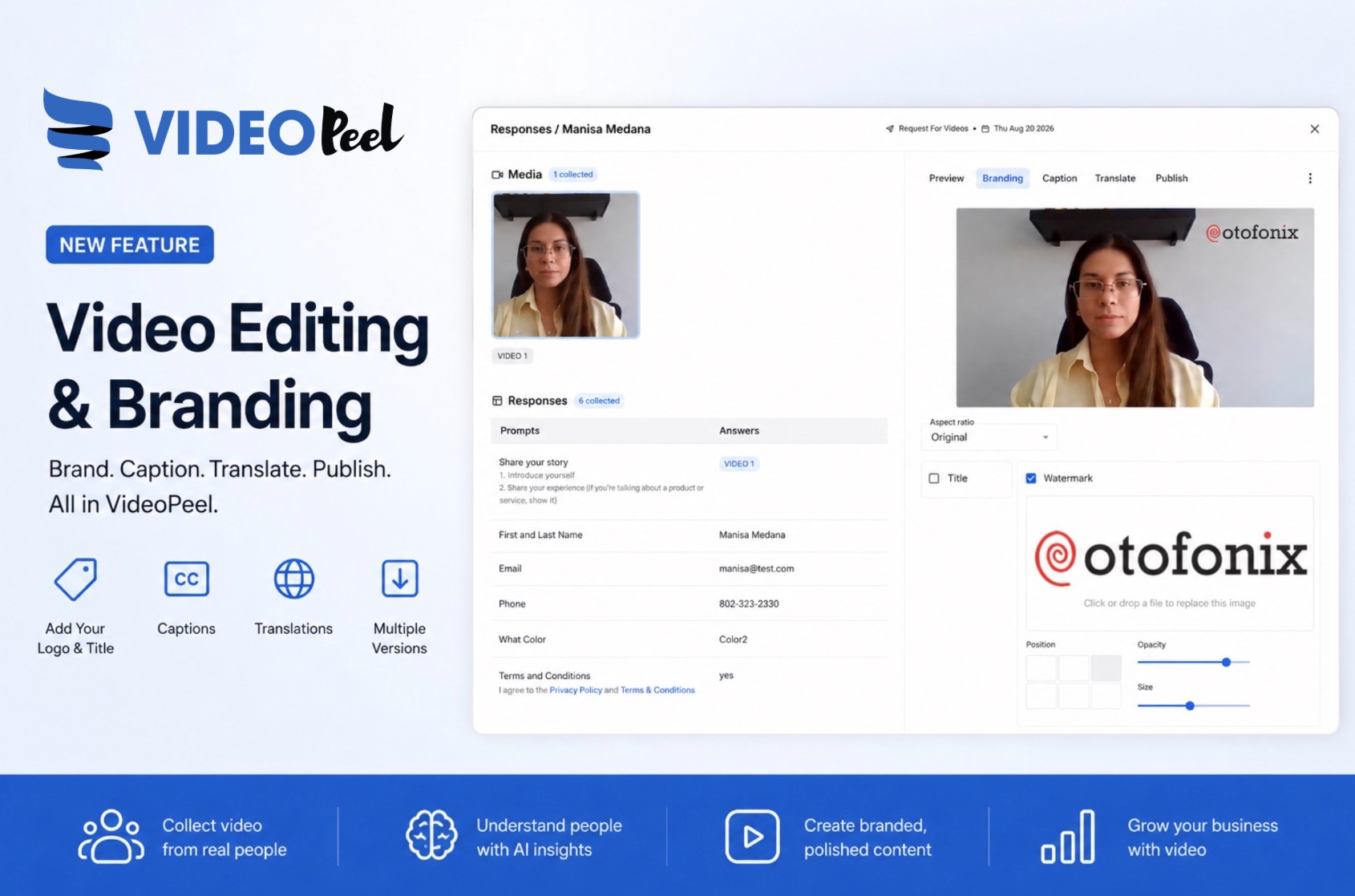
Turn the videos you collect into polished, branded content—right inside VideoPeel.At VideoPeel, we help organizations collect video from real people, understand what those videos reveal, and put that video to work. Now we're making it even easier to turn the videos you collect into content you can use. We're excited to introduce Video Editing & Branding in VideoPeel—a powerful new set of features that lets you add your logo, titles, captions, and translations directly to the videos you collect. Whether you're interviewing candidates, gathering employee feedback, conducting customer research, collecting customer stories, or evaluating students, you can now create polished, consistently branded versions of your videos without leaving VideoPeel.
Read Story
Introducing VideoPeel: The Video Intelligence PlatformVideoPeel enables enterprises to collect, assess, understand, and activate video at scale.It starts with a simple link. Invite customers, candidates, employees, learners, research participants, or other audiences to respond on video—without downloading an app or creating an account. Then VideoPeel AI helps turn those videos into something useful.Intelligence you can use to make better decisions.Assessments you can use to understand people and performance.Content you can use to tell authentic stories and grow your brand.Instead of simply collecting video, VideoPeel creates a new source of intelligence and content from the people who matter most to your organization.
Read Story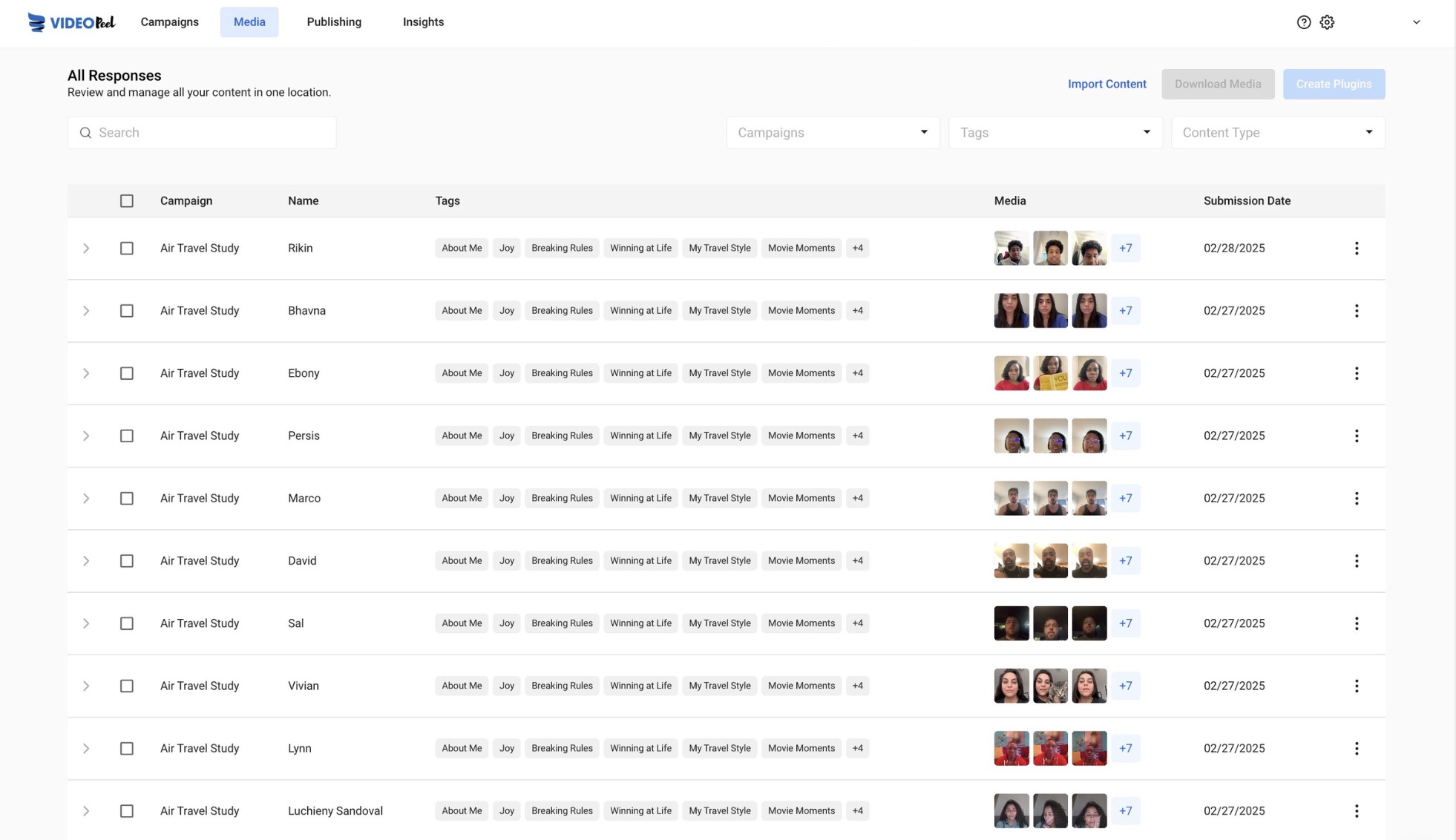
Launching a new product without real customer feedback is risky. The companies winning today are the ones collecting authentic user reactions early — before a full launch, before major ad spend, and before scaling.That’s where VideoPeel comes in.VideoPeel helps businesses and entrepreneurs collect scalable video feedback from beta users, product testers, and early customers — while automating the entire experience, including incentive management with gift card rewards and AI-powered video analysis.Whether you're launching a SaaS platform, consumer product, mobile app, online service, or physical product, VideoPeel makes it easy to gather real-world insights directly from your users.
Read Story